 School Hub
Your school day, properly organised.
Your Compass timetable, tasks, results and news in one calm app, with your friends and study groups alongside.
Download- Version
- latest
- Price
- Free · Plus from $3 a month
- Updates
- Automatic
- Works with
- Compass (your school's own login)
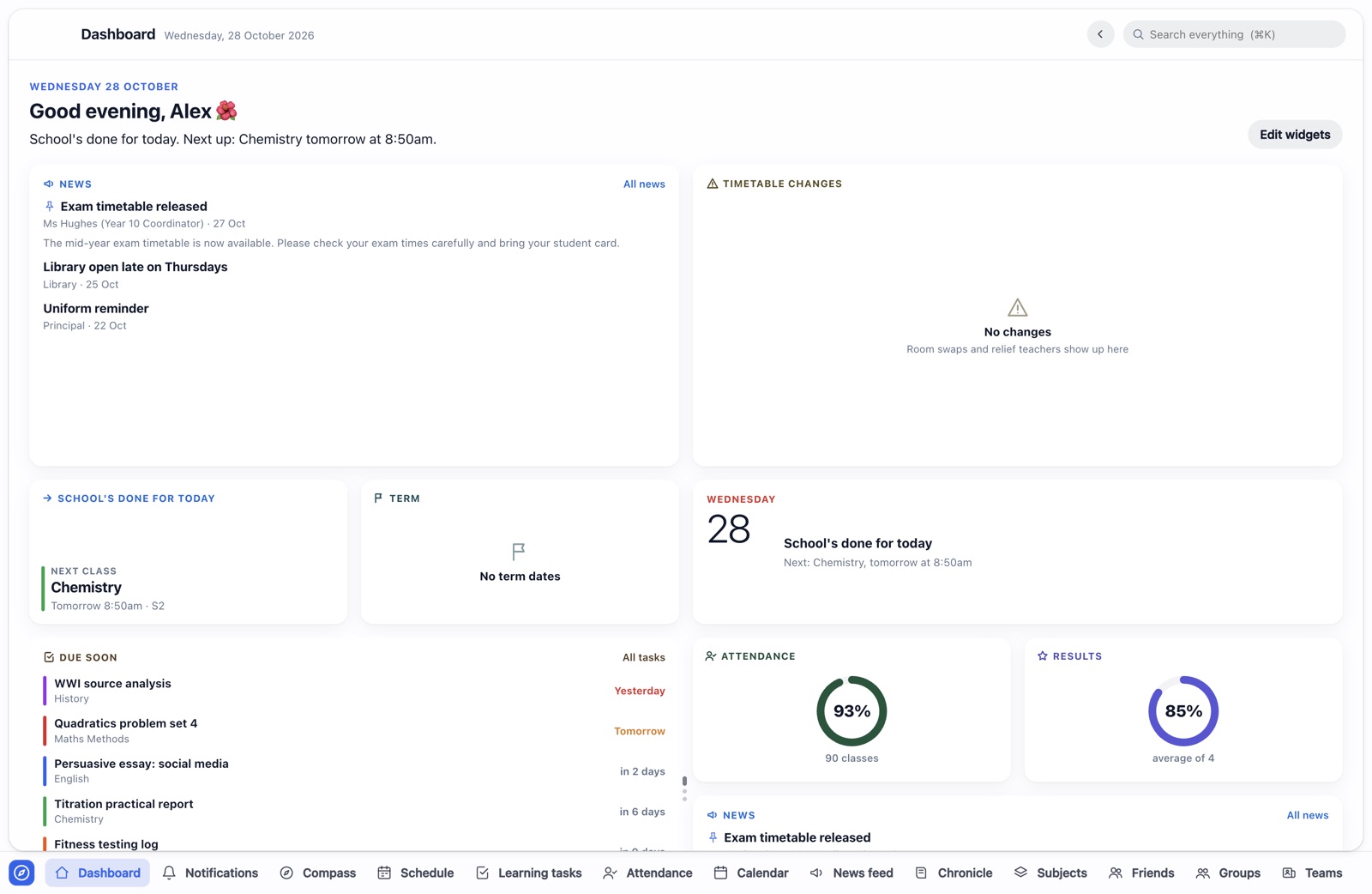
Where you're going next, at a glance.
Your timetable comes straight from Compass and stays current on its own. When a room changes or a class is cancelled, you know before you walk to the wrong building.
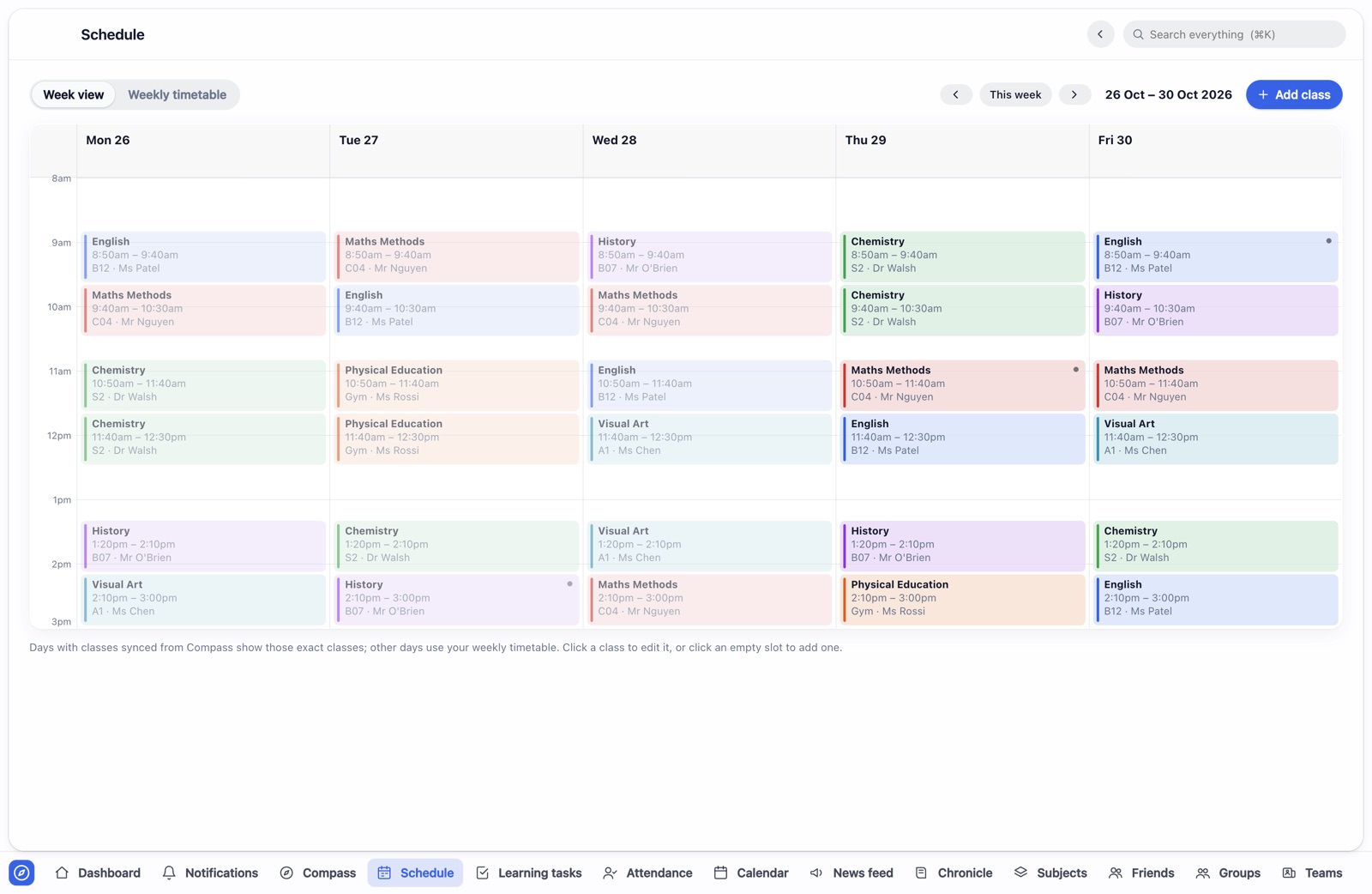
How you're going, subject by subject.
Every marked task, weighted the way your school weights it, with feedback a click away. Attendance and your chronicle sit alongside.
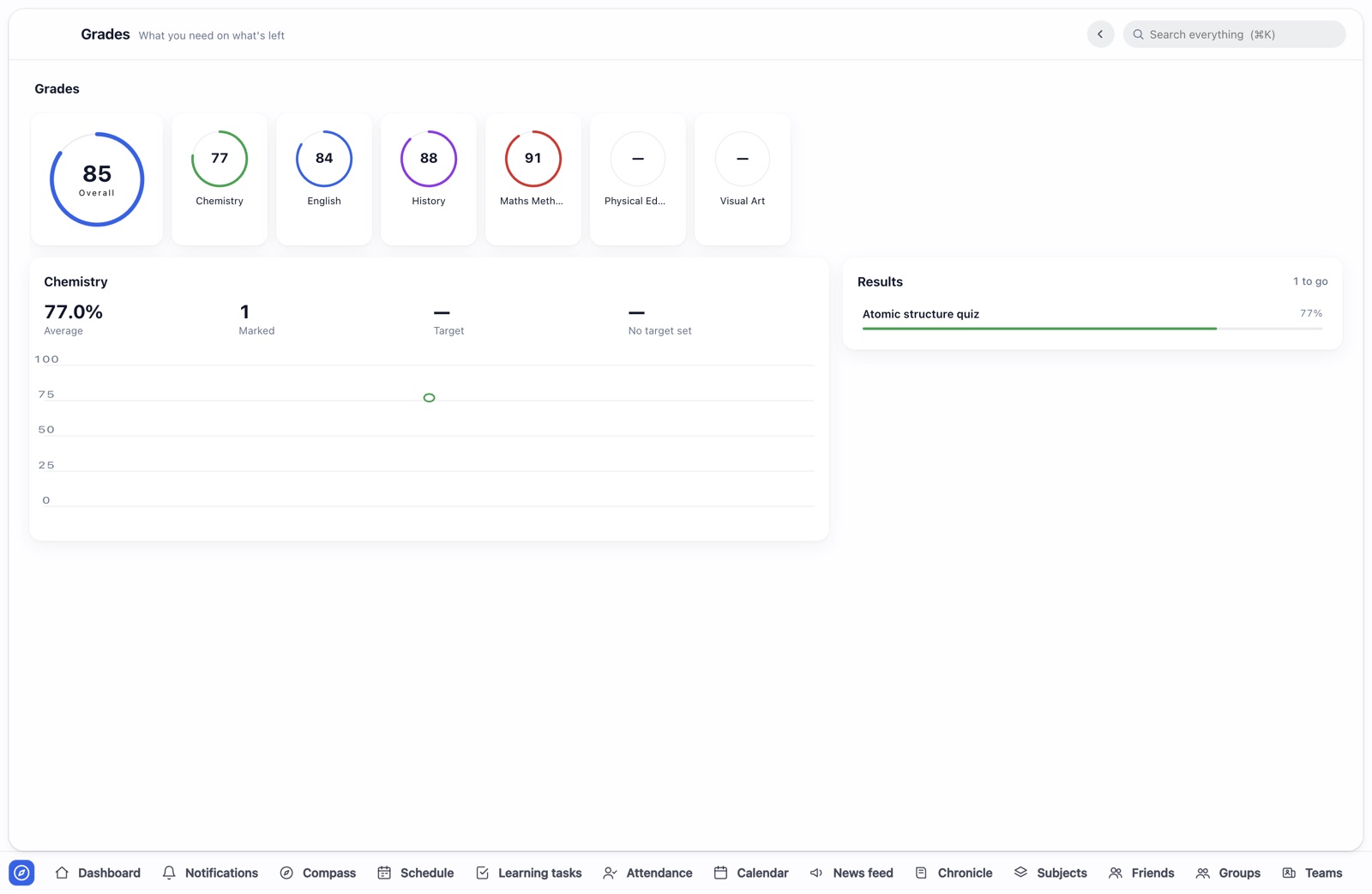
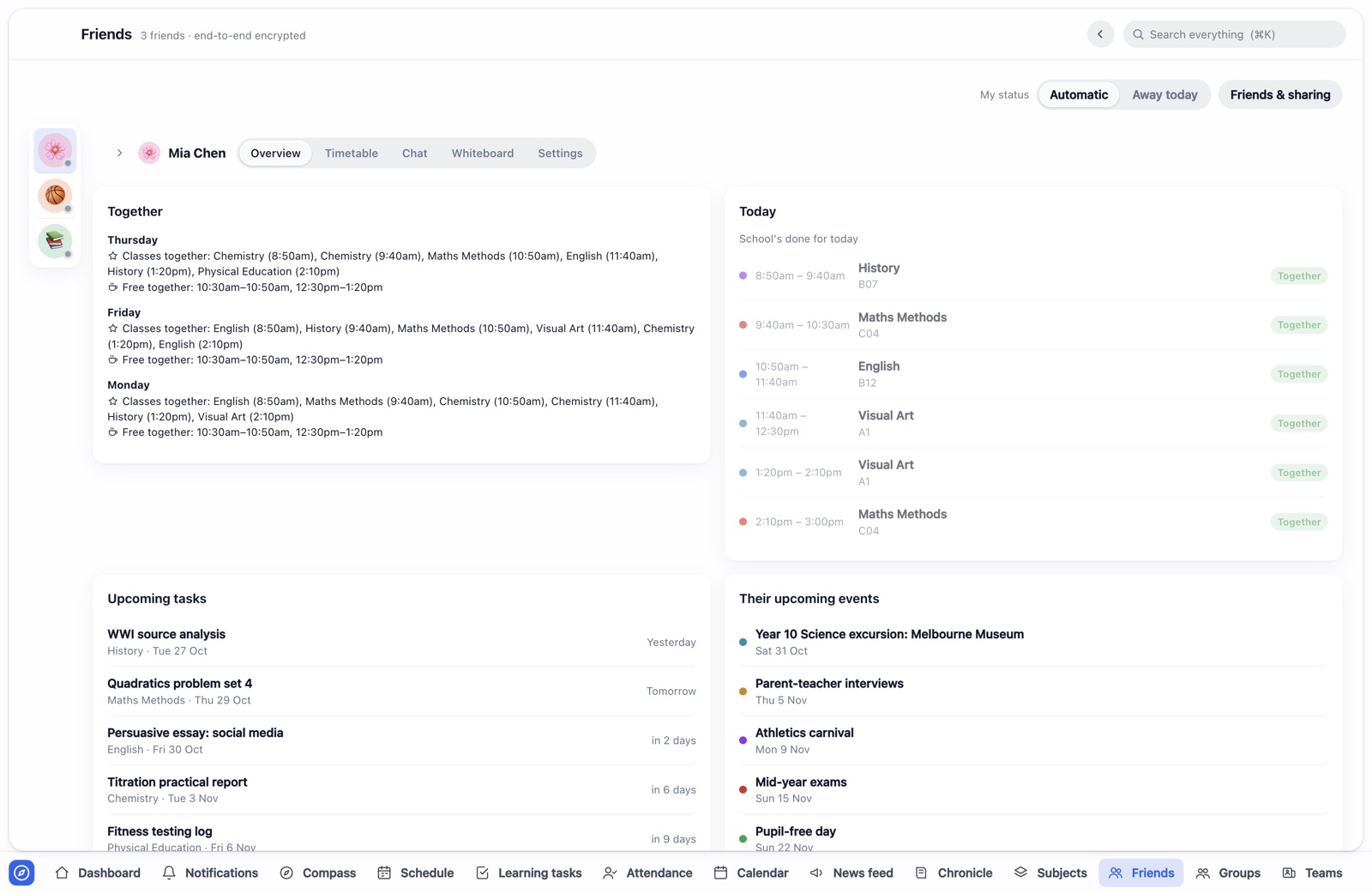
Who's in your class, and when you're both free.
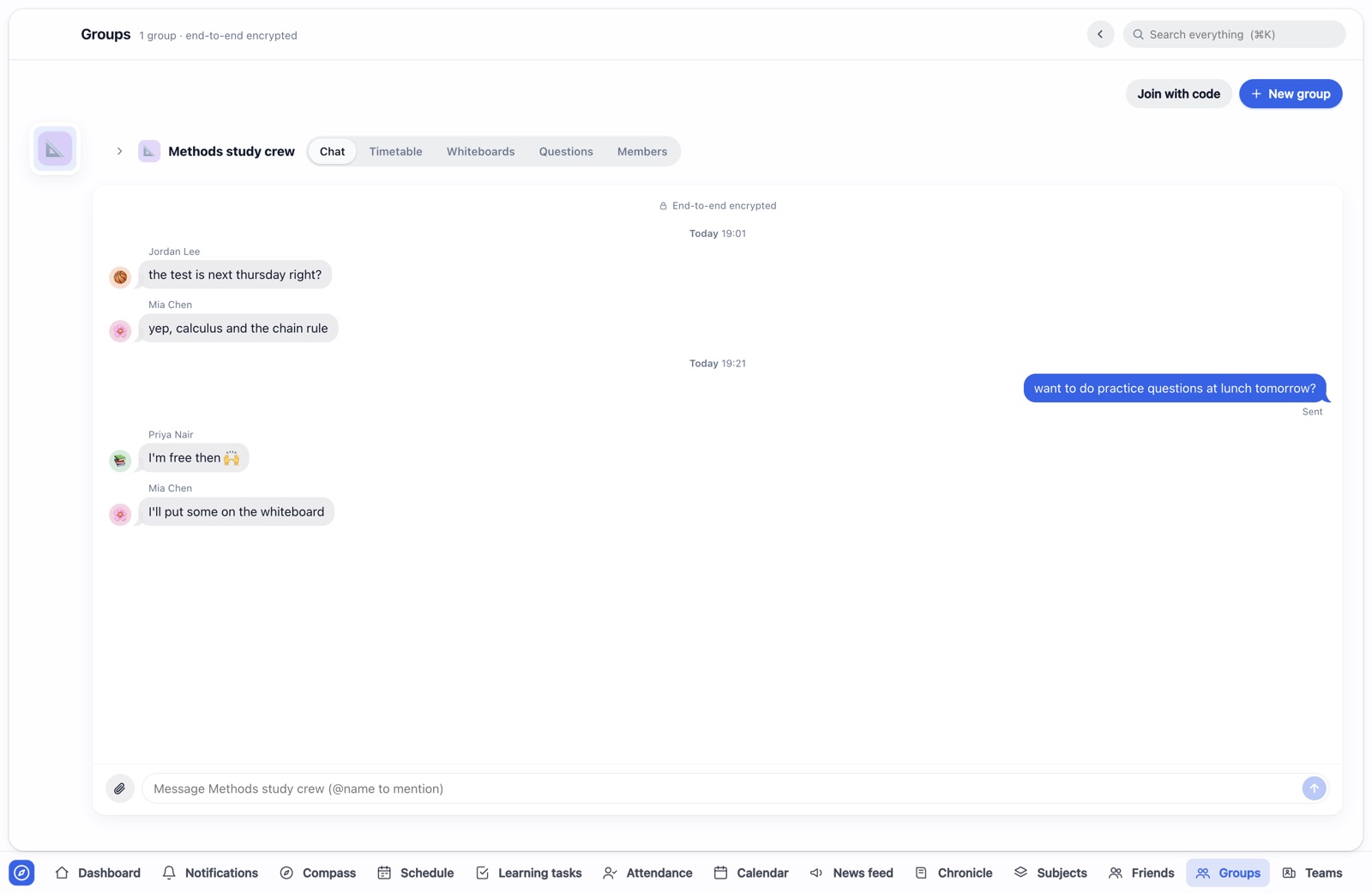
Add a friend with their short tag. They accept, and School Hub lines up your timetables. Study groups get a chat, shared whiteboards and a questions board. You decide what each friend can see.
A clock for your desk, and a look that's yours.
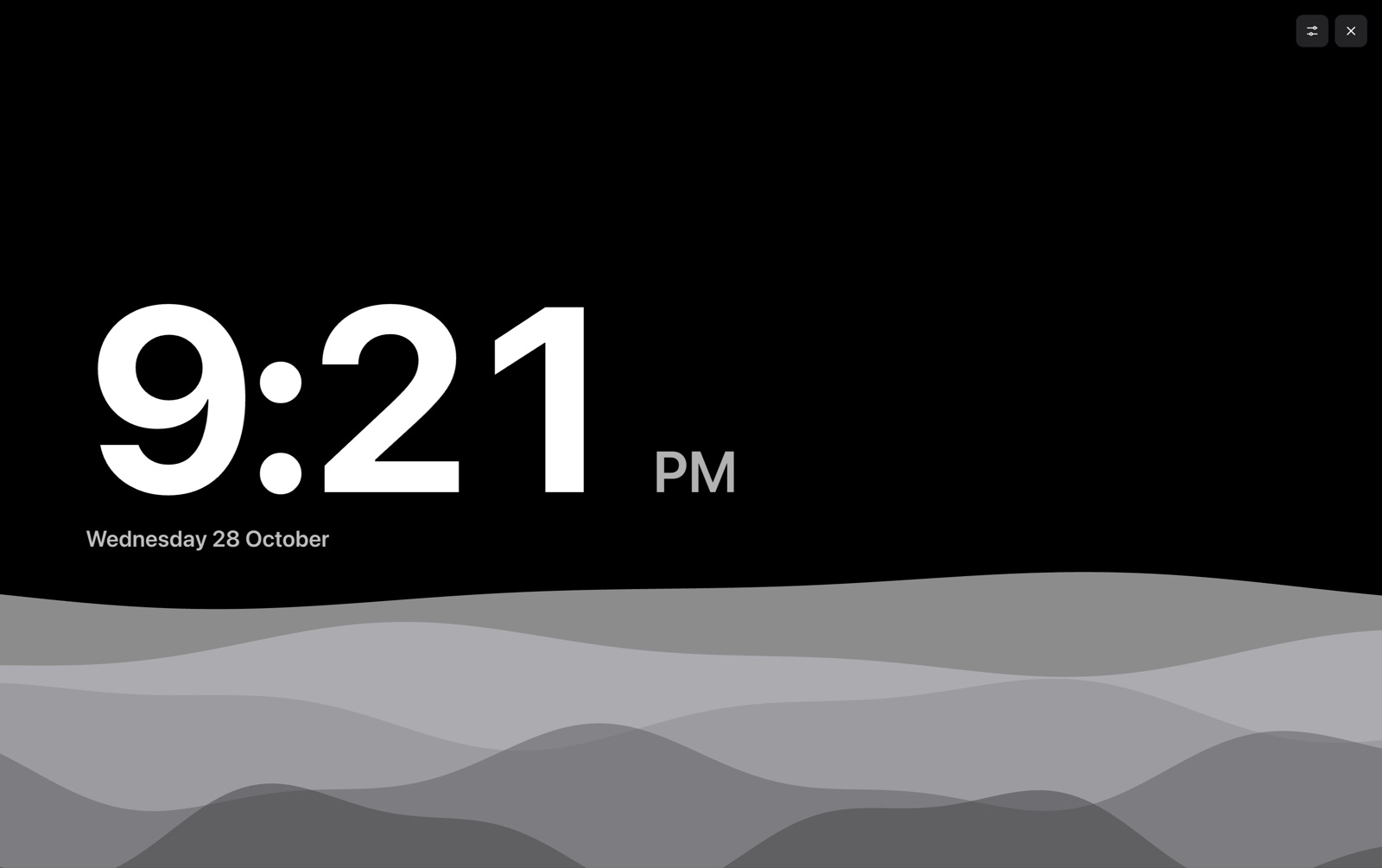
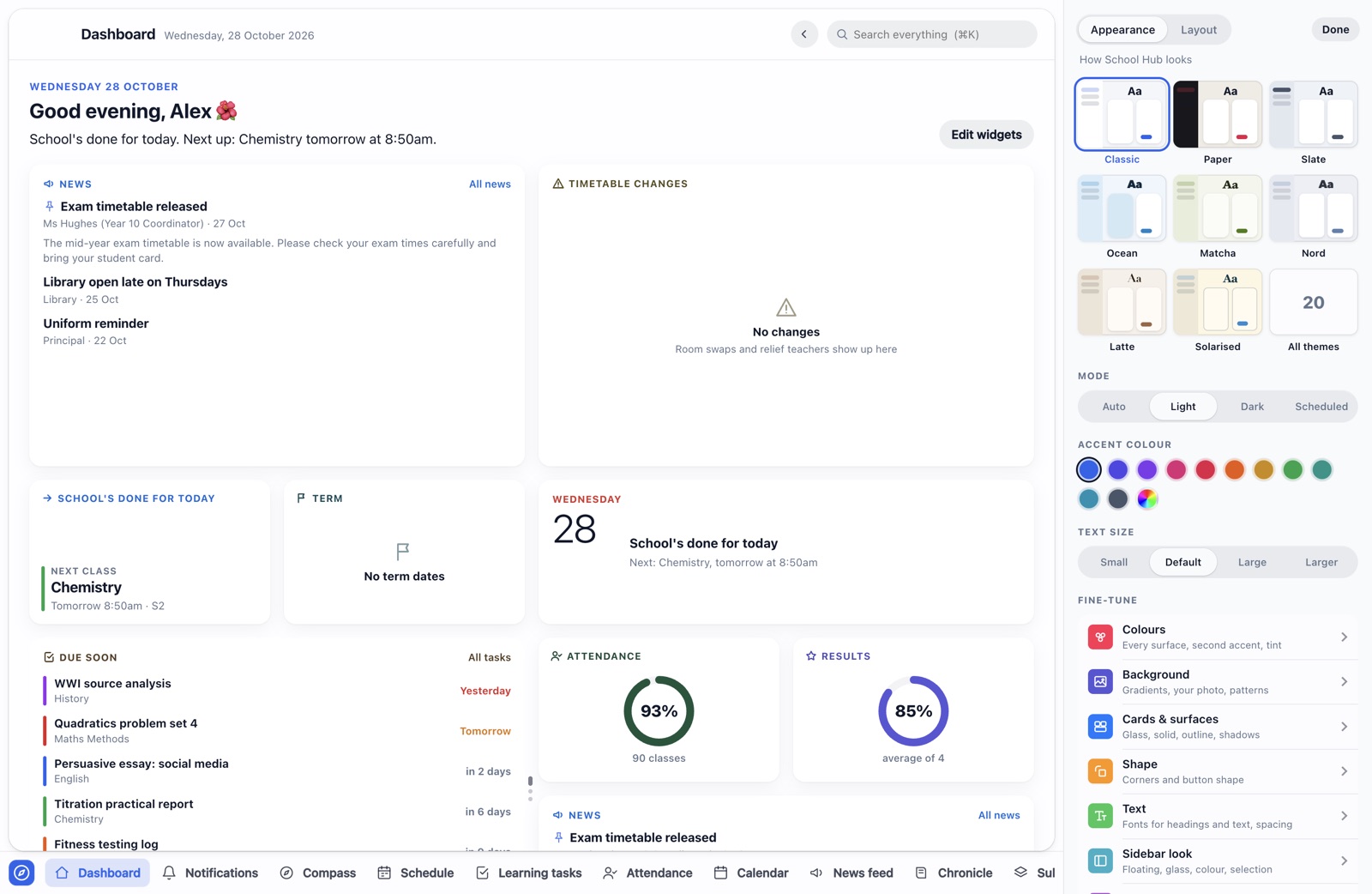
StandBy turns your screen into a clock with your day on it when you step away. Customise picks a theme, colours, fonts and layout, live as you change them.
Free, with Plus if you want more.
Everything from Compass is free and stays free. Plus keeps School Hub running and adds the study helper and extras. Prices in Australian dollars.
forever
- Timetable, tasks, results, attendance, news, chronicle and lesson plans from Compass
- Friends, chat, groups and whiteboards
- Planner, notes, Wrapped and the phone app
- Themes, backgrounds, your own photo, corners and fonts
- StandBy with two calm animations
- 3 groups you start, 3 whiteboards per chat, files up to 10 MB
or $24 a year: $2 a month, save $12 (33%)
- The study helper: AI that knows your timetable, lesson plans, tasks, results and textbooks
- Every Customise option
- All of StandBy: every animation and game, clock layouts and colours
- No limits on groups and whiteboards, files up to 25 MB
- The full Claude connector
Buy from inside School Hub: Settings → School Hub Plus. Cancel any time. Full refund within 14 days of your first payment. Terms of sale
Your school data stays yours.
School Hub is built for students, so it collects as little as it can. The privacy policy lists everything it sends, where it goes and how long it's kept.
School Hub
- Who makes it
- An independent developer in Victoria, Australia, who built it as a student for students. It isn't made by, affiliated with or endorsed by Compass Education or any school.
- What it is
- A desktop app (Mac, Windows, Linux) and phone web app that brings a student's Compass school information into one place, adds friends and study groups, and offers an optional paid subscription, School Hub Plus.
- Is it free?
- Yes. Plus is optional: $3 a month or $24 a year. Everything from Compass stays free.
- Does my school need to do anything?
- No. School Hub uses your own Compass account, just as you would in a browser.
- Refunds and cancelling
- Cancel any time from Manage Plus; Plus stays on until the end of what you paid for. A full refund within 14 days of your first payment. See the terms of sale.
- Contact
- Questions, refunds, privacy requests or problems: the contact form. We reply within a few days.